QR codes have become a normal part of eating out. You scan a menu, place an order, or pay the bill.
But you can do more with them.
A QR code can turn a table, receipt, takeaway box, or even a restaurant window into a useful digital touchpoint. Here are 10 ideas worth trying.
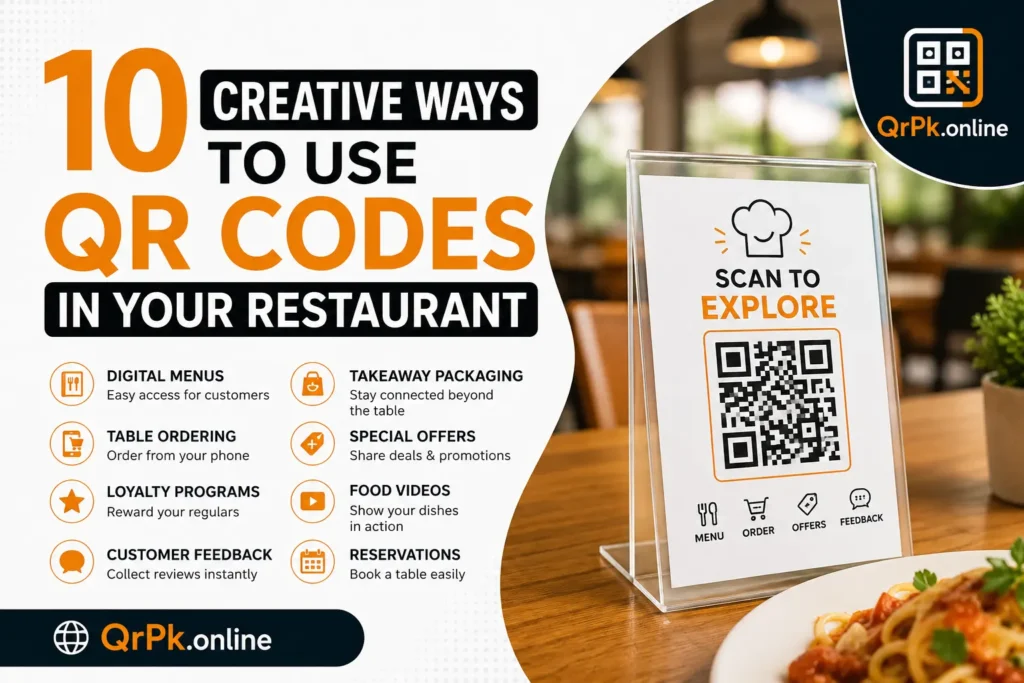
1. Put your menu on the table
Place a QR code on each table that opens your digital menu.
Customers can scan it with their phone and browse dishes, prices, photos, ingredients, and available options. You can update the online menu whenever something changes without printing a new stack of menus.
Keep the printed code large enough to scan easily. A small QR code tucked into a corner of the table isn’t doing anyone a favor.
2. Let customers order from their table
Connect the QR code directly to your ordering page.
A customer scans the code, chooses their food, adds any special requests, and sends the order to your kitchen or POS system.
This works especially well during busy hours when staff are handling several tables at once.
3. Add QR codes to takeaway packaging
Your food box has empty space. Use it.
Add a QR code that takes customers to your restaurant’s website, menu, feedback form, or next-order page. Someone eating your food at home can scan the box and immediately find you again.
You can even print a different code for each campaign and track which packaging gets more scans.
4. Collect customer feedback
Put a QR code near the payment counter or on the receipt.
The code can open a short feedback form where customers can rate their experience and leave a comment.
Keep the form short. Asking someone to fill out 15 questions after dinner is a good way to collect exactly zero answers.
5. Build a loyalty program
Give regular customers an easy way to join your loyalty program.
A QR code can open a signup page where they enter their details and start collecting points or rewards.
You could also print the code on loyalty cards, receipts, or table cards so customers can find the program whenever they’re ready to use it.
6. Share your restaurant’s story
Your menu might tell customers what you sell. A QR code can tell them why you sell it.
Add one to your menu or table card and link it to a short page about your restaurant, chef, ingredients, or the people behind the kitchen.
This can be especially useful for restaurants with a family history or a specific food tradition.
7. Show food preparation videos
Some dishes have a story that’s hard to explain with 2 lines of menu text.
Put a QR code beside a signature dish and link it to a short video showing how it’s prepared. Customers get to see the process while they’re sitting at the table.
Keep the video short. A 45-second clip is easier to watch during dinner than a 12-minute cooking documentary.
8. Make special offers easier to find
Print a QR code on receipts, table tents, or flyers and connect it to a current offer.
For example, the code could open a page with a discount for the customer’s next visit.
You can change the offer on the page later while keeping the same printed QR code, which saves you from reprinting your materials every time a promotion changes.
9. Create a QR code for reservations
Give customers a quick route from dinner today to a reservation for next week.
A QR code on the receipt can open your booking page. Someone who enjoyed their meal can scan it before leaving and choose their next visit.
You can also place the same type of code on your restaurant window, business card, or social media graphics.
10. Add a QR code to your receipt
Receipts are easy to overlook, but customers usually keep them for at least a little while.
Add a QR code that links to your restaurant’s website, review page, loyalty program, or next-order page.
The key is giving the code one clear job. If customers scan it and land on a page packed with 10 different buttons, you’ve added another step instead of removing one.
A QR code can do more than open a menu
The best QR code placement depends on what you want the customer to do.
Put it where the action makes sense. A menu code belongs on the table. A feedback code makes sense after payment. A reservation code works well on a receipt.
And keep testing your codes before printing hundreds of table cards. One quick scan with a phone can save you from discovering a broken link after the whole batch is already sitting in the restaurant.