Design a QR code that looks exactly like your brand
Generate custom QR codes for links, WiFi, contact cards, payments, social profiles and 25+ more — change colors, pick a shape, drop in your logo, and download instantly.
PNG with a transparent background works best. Error correction switches to High automatically.
Updates live as you type — nothing leaves your browser until you download
Every option a real QR project needs
30+ content types
Links, WiFi, contact cards, calendar events, payments, social profiles, app stores and more — each formatted to the correct standard automatically.
Full color control
Pick any foreground and background color to match your brand, poster or packaging — right down to the exact hex value.
Six dot & corner styles
Switch between square, dots, rounded, classy and extra-rounded modules to give your code a distinct shape.
Logo embedding
Drop your logo or icon into the center of the code. Error correction automatically adjusts to keep it scannable.
Built-in QR scanner
Use your camera or upload an image to instantly decode any QR code — no separate app required.
PNG, JPG & SVG export
Download a crisp raster file for social media, or a scalable vector for large-format print — no quality loss either way.
Everything you can turn into a QR code
Scan and decode any QR code
Allow camera access, then hold a QR code in front of it.
Idle
Related tools
A QR toolkit built for the way people actually use QR codes
QrPk.online started from a simple frustration: most free QR generators either lock the good features — colors, logos, custom shapes — behind a paywall, or produce codes that expire and stop working after a trial period. We built this site to be the opposite. Every option on this page is free, permanent, and works without creating an account.
The generator supports over thirty content types, covering the requests people actually have: website links, plain text, WiFi network access, contact cards, calendar events, map locations, WhatsApp and SMS messages, social media profiles like Instagram, Facebook, LinkedIn and TikTok, app store listings, and payment links for PayPal and Bitcoin. Each type is encoded using the correct standard format, so the resulting QR code opens the right app automatically when it’s scanned.
Beyond content, we focused heavily on presentation, because a QR code on a business card, storefront window or product label is also a design element. You can set custom foreground and background colors, choose from six different dot and corner styles, and place your own logo directly in the center of the code. Error correction adjusts automatically so the code stays scannable even with a logo covering part of it.
We also added a QR scanner alongside the generator, so you don’t need a separate app to read a code someone hands you. Point your camera at it, or upload a photo, and the decoded text or link appears instantly with a one-tap copy or open action.
Everything runs directly in your browser. Your text, links and WiFi passwords are used only to draw the code on your screen — nothing is uploaded to a server or stored anywhere. Once you’re happy with the design, download it as a PNG or JPG for quick sharing, or as an SVG for crisp large-format printing.
QrPk.online is actively growing. The QR generator and scanner are our first tools, and we’re building a small library of everyday utilities under the same principle: fast, free, and genuinely useful. If you have a request or run into an issue, reach us any time at Contact@qrpk.online.
Common questions
Yes. The generator, every color and style option, logo embedding, the scanner, and all three download formats are free with no account, subscription or watermark.
Over thirty types, including website links, WiFi, contact cards, calendar events, locations, WhatsApp, SMS, email, phone calls, social profiles, app store links, and payment links.
Yes. Upload any image from the Logo section and it will be placed in the center of your code. Error correction switches to High automatically so it stays reliably scannable.
Yes, it uses your device’s rear camera when available. If camera access isn’t possible, you can upload a photo of the code instead.
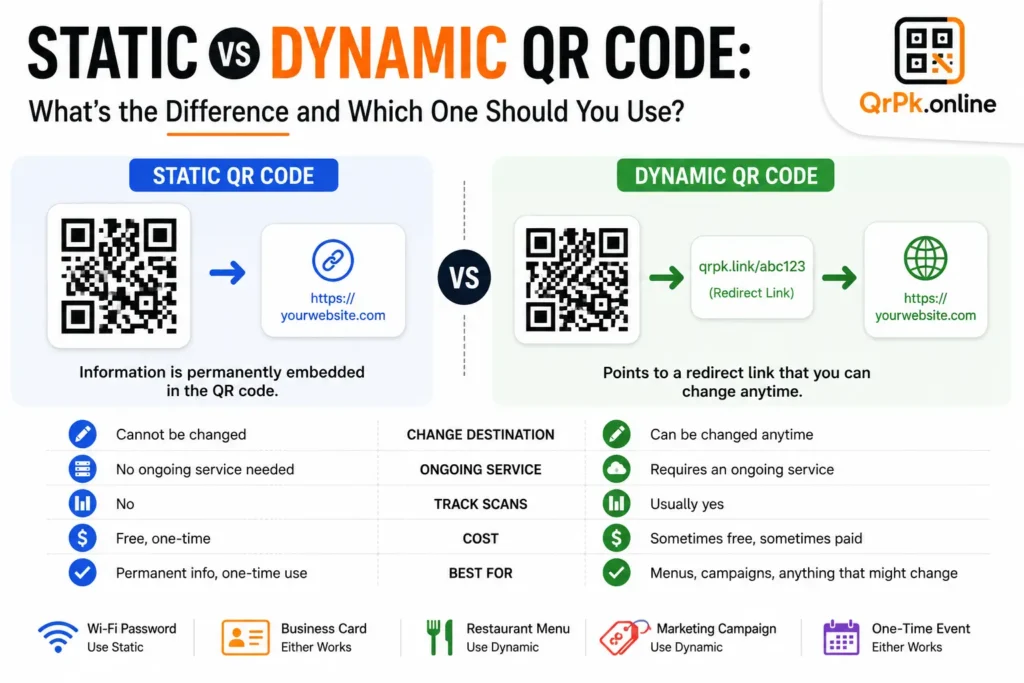
No. The codes generated here are static — the data is encoded directly into the image, so it never expires and doesn’t depend on our servers staying online.
Use PNG or JPG for digital use like social posts or websites. Use SVG for posters, banners or packaging, since it scales to any size without losing sharpness.
No signup is required for any part of this tool. Design your code and download it directly — your data stays in your browser throughout.
Your QR code is one scroll away
No signup, no watermark, no expiry — just a clean, custom QR code ready to download.
Start creatingQrPk.online · Questions? Write to Contact@qrpk.online
Blog
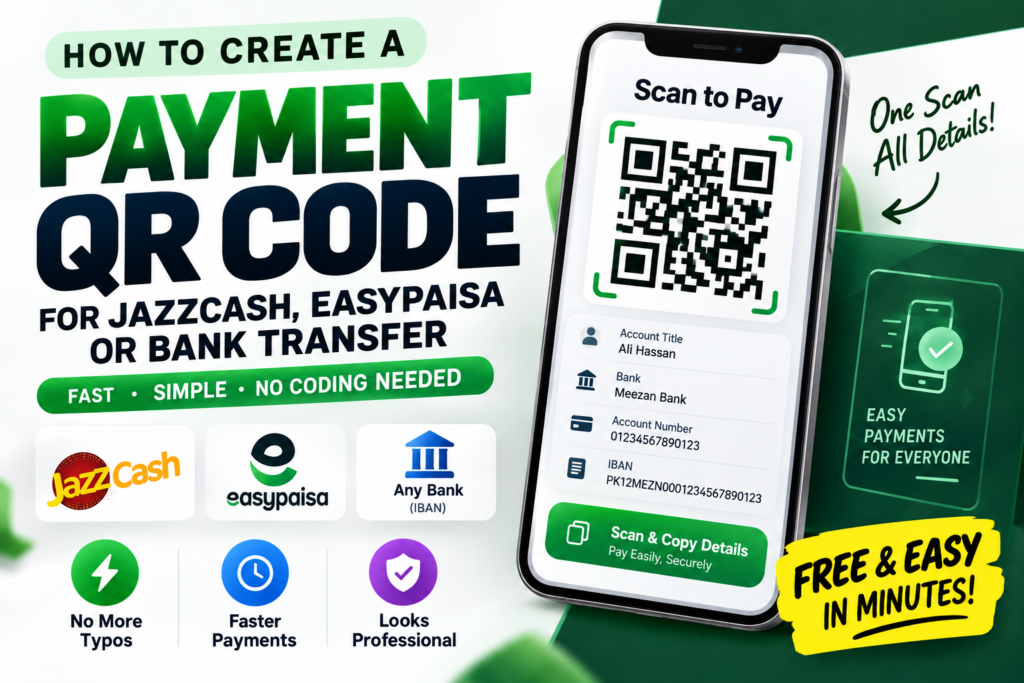
- How to Create a QR Code for JazzCash, Easypaisa, or Bank Transfer Payments
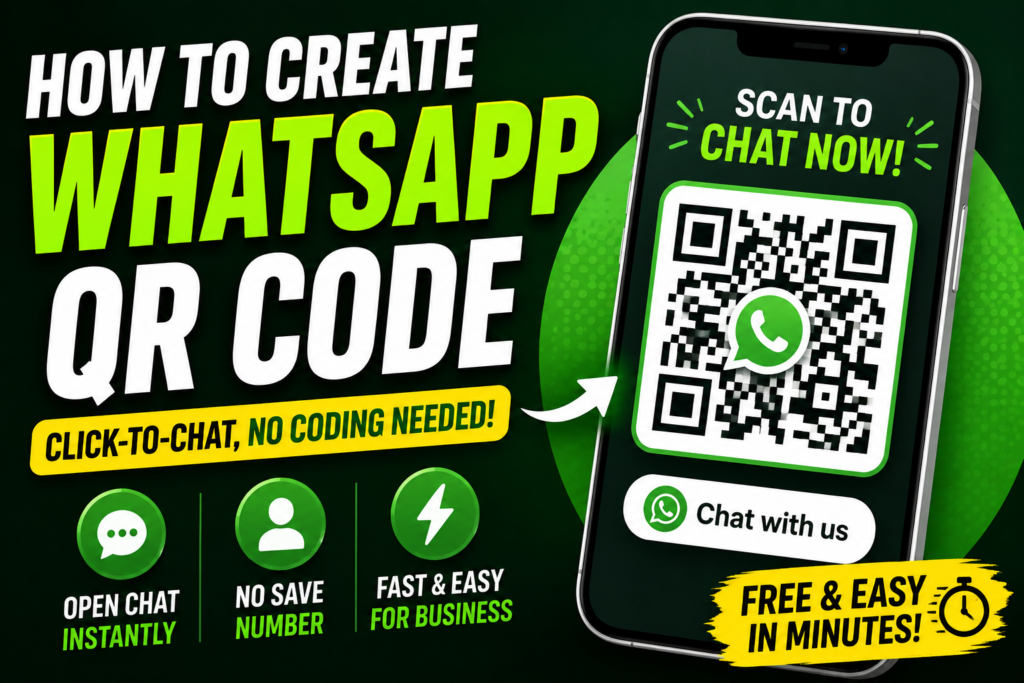
- How to Create a WhatsApp QR Code (Click-to-Chat, No Coding Needed)
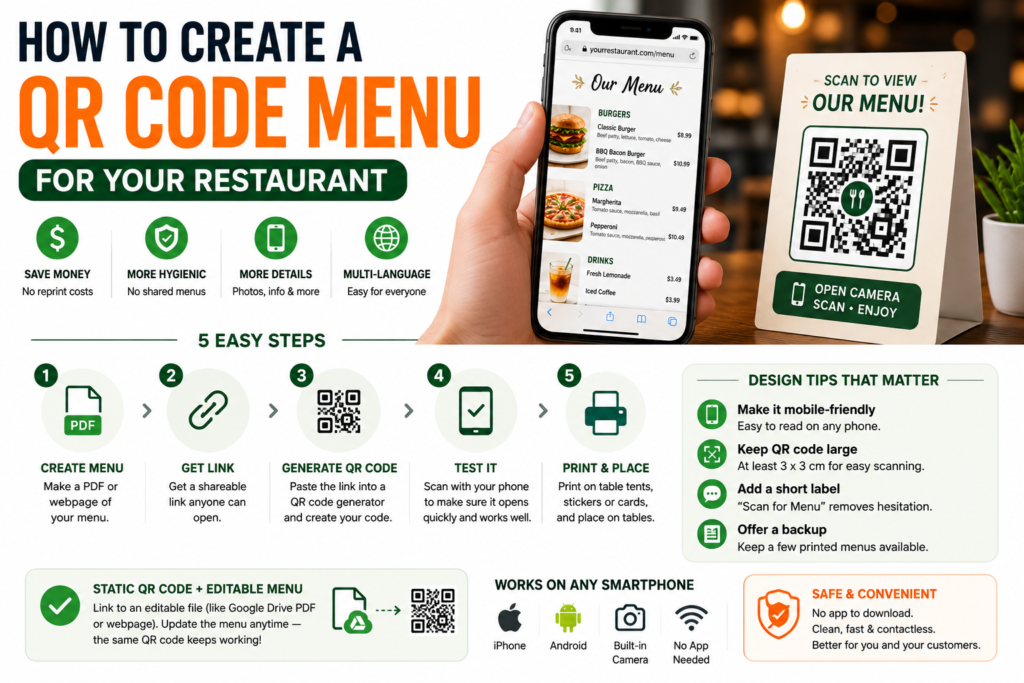
- How to Create a QR Code Menu for Your Restaurant (Free, Step-by-Step)
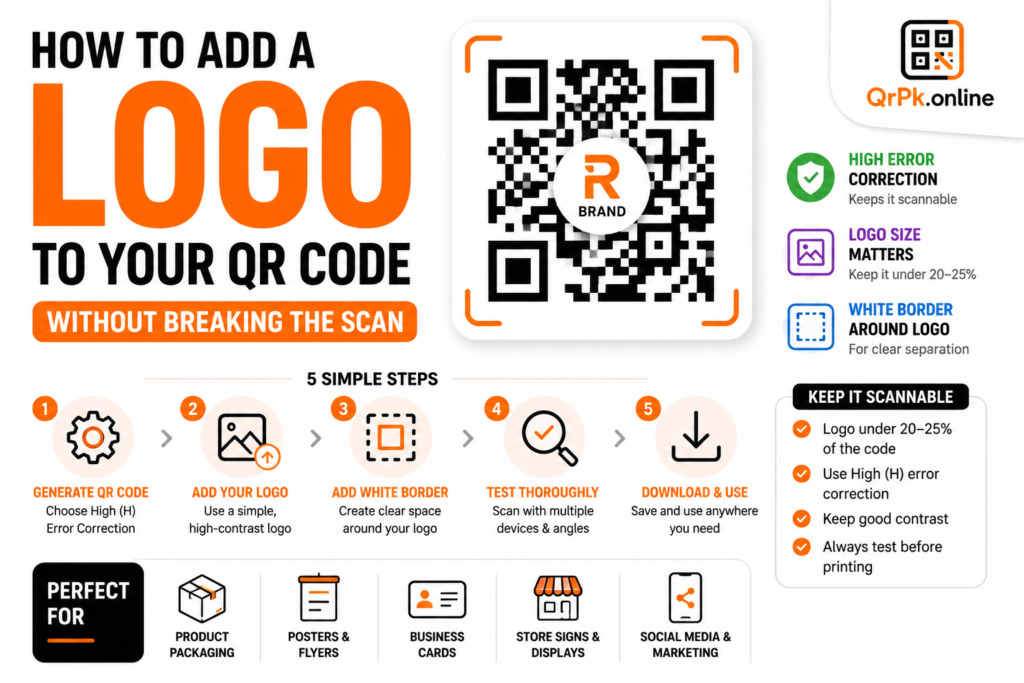
- How to Add a Logo to Your QR Code (Without Breaking the Scan)
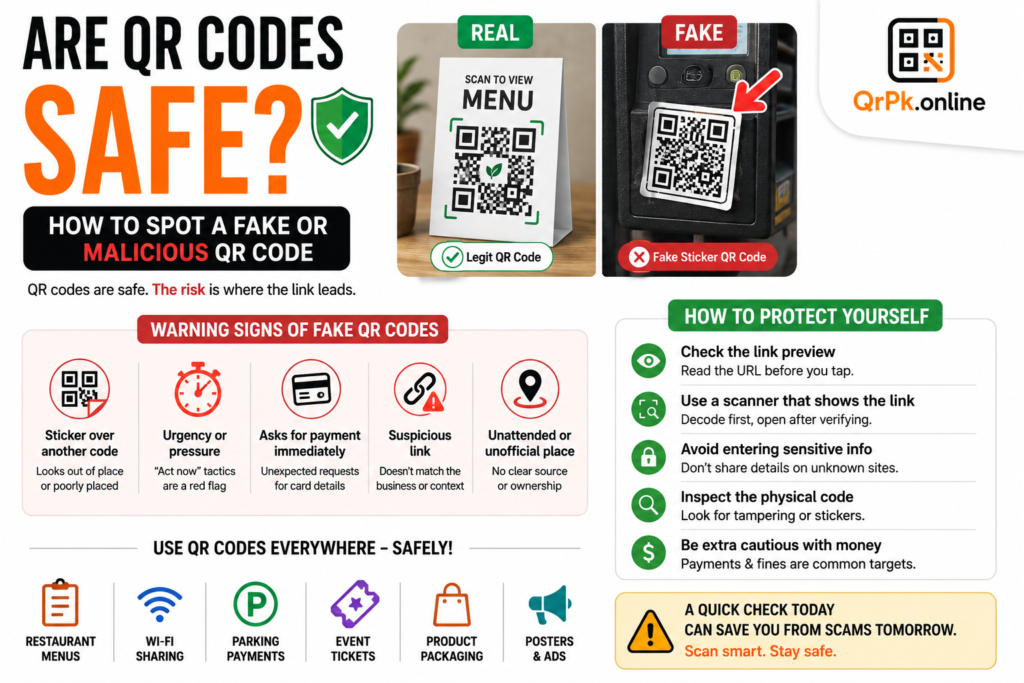
- Are QR Codes Safe? How to Spot a Fake or Malicious QR Code
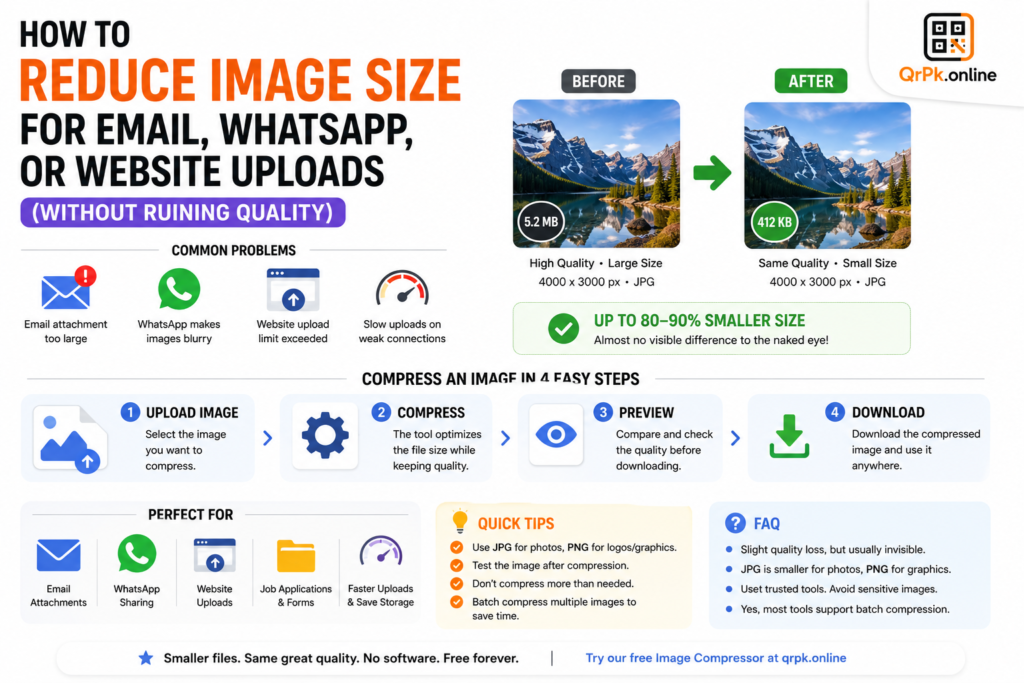
- How to Reduce Image Size for Email, WhatsApp, or Website Uploads (Without Ruining Quality)
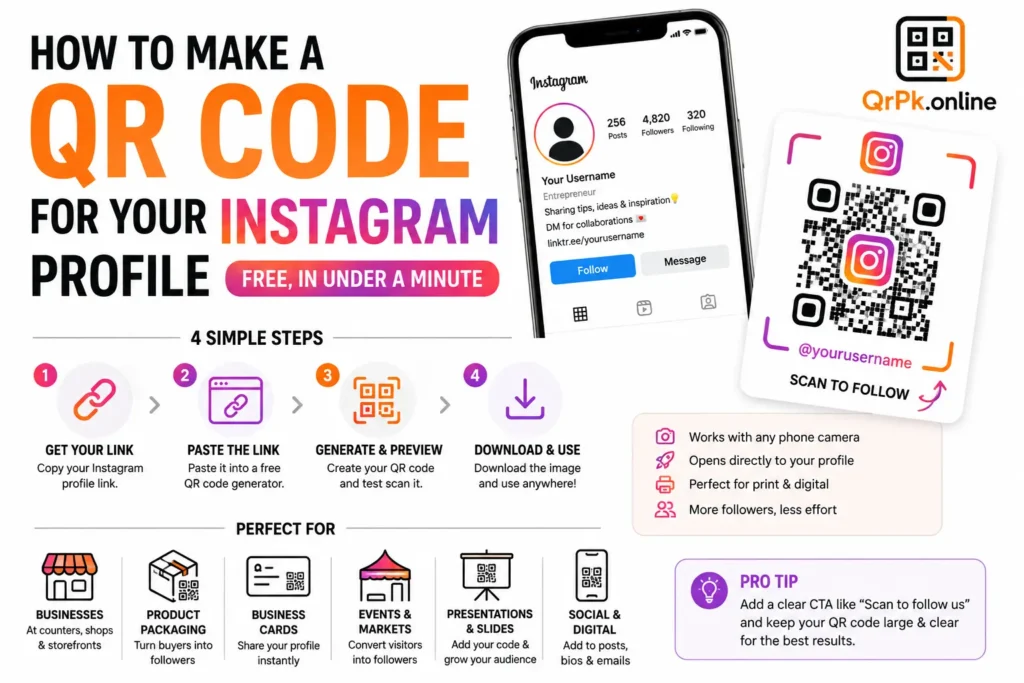
- How to Make a QR Code for Your Instagram Profile (Free, in Under a Minute)
- Static vs Dynamic QR Code: What’s the Difference and Which One Should You Use?
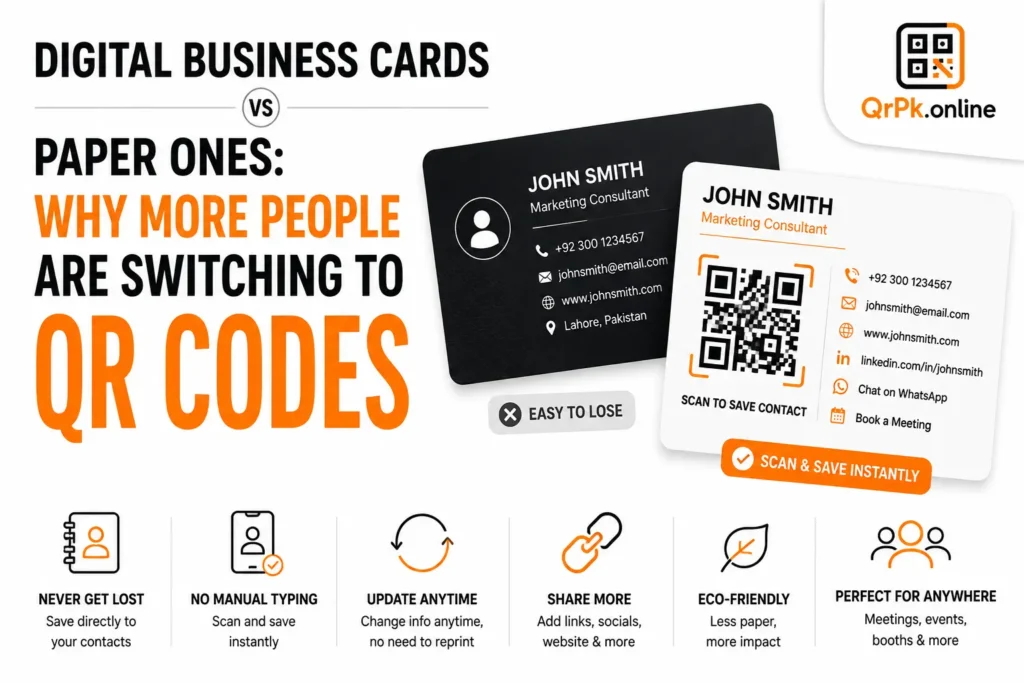
- Digital Business Cards vs Paper Ones: Why More People Are Switching to QR Codes