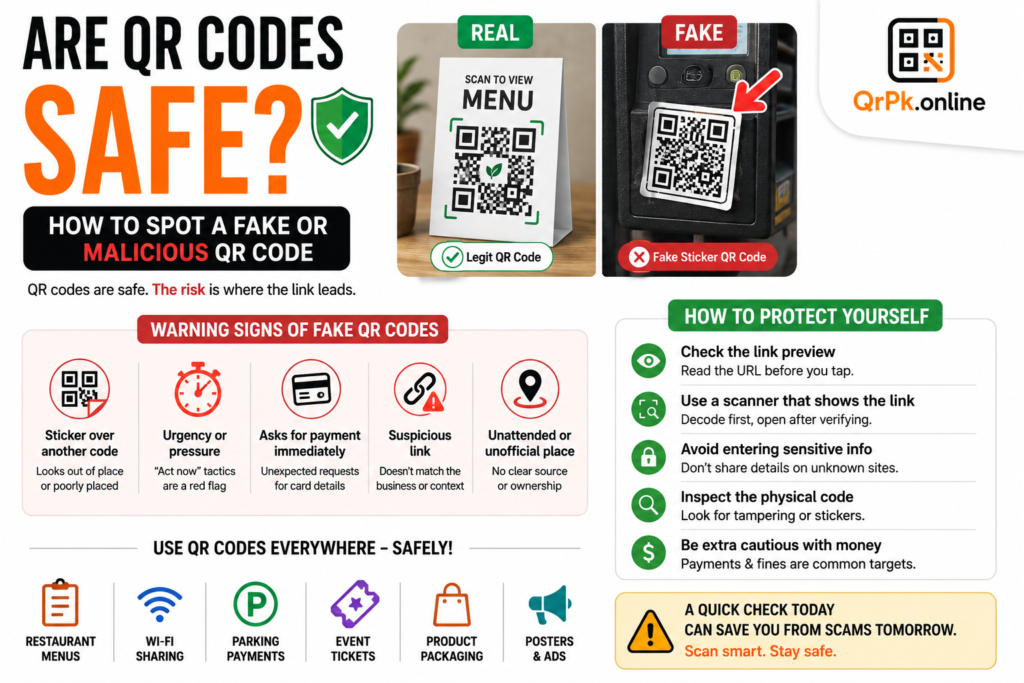
If you’ve ever stood in a grocery store watching the cashier scan your items, you’ve seen a barcode in action. And if you’ve scanned a menu at a restaurant with your phone, that was a QR code. Most people use both of these every single day without even thinking about it — but if someone asked you what’s actually different between them, would you have a clear answer?
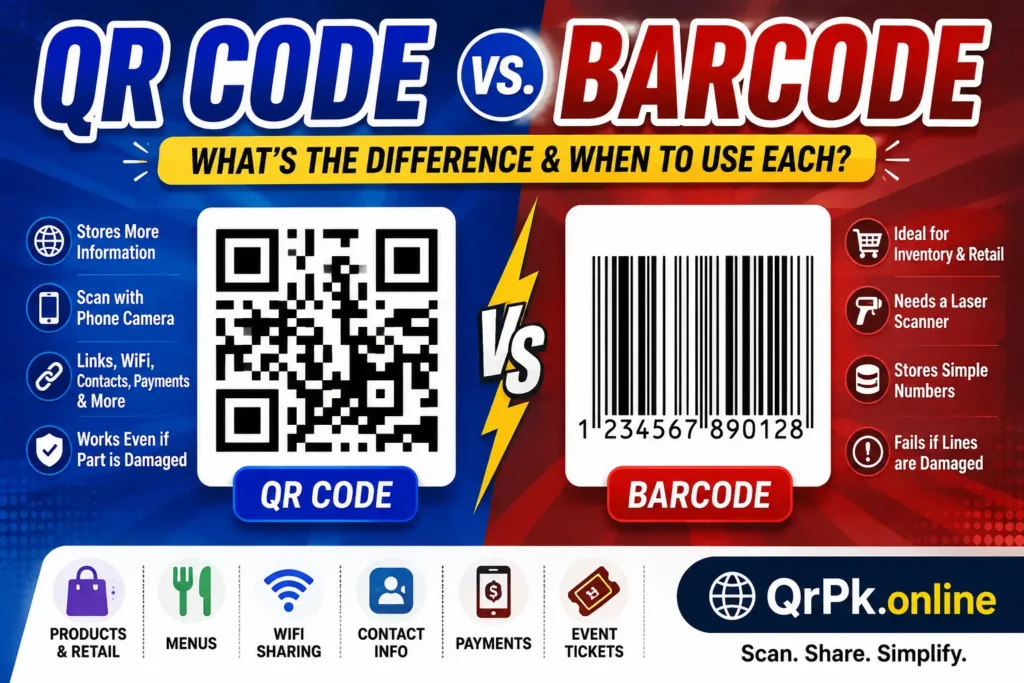
I get asked this a lot, especially by small business owners who want to use one of these for their shop but aren’t sure which one actually fits their needs. So let’s break it down in the simplest way possible.
What Is a Barcode?
A barcode is that classic pattern of black vertical lines with numbers underneath that you see on almost every product you buy. It’s been around since the 1970s and is still one of the most common ways to track products.
A barcode stores information in one direction only — that’s why it’s also called a “1D” or one-dimensional code. It usually holds a simple number, like a product ID, which is then linked to more details (price, stock, description) stored in a store’s database.
What Is a QR Code?
A QR code is that square-shaped pattern of small black and white blocks that you scan with your phone camera. Unlike a barcode, it stores data in two directions — both horizontally and vertically — which is why it’s called a “2D” code.
Because of this 2D structure, a QR code can hold a lot more information than a barcode. It can store links, contact details, WiFi passwords, payment info, and much more, not just a simple number.
You can create one instantly using a free QR code generator on qrpk.online — no design skills needed.
QR Code vs. Barcode: Key Differences
Here’s a side-by-side comparison to make it easier to understand:
| Feature | Barcode | QR Code |
|---|---|---|
| Shape | Straight vertical lines | Square grid pattern |
| Data direction | One-directional (1D) | Two-directional (2D) |
| Storage capacity | Small (usually just numbers) | Large (text, links, contact info, WiFi, payments) |
| Scanning device | Needs a laser scanner mostly | Any smartphone camera |
| Needs internet/database | Yes, to look up product info | Not always, can work standalone |
| Damage tolerance | Fails if lines are damaged | Still works even if partly damaged |
| Common uses | Retail products, inventory | Menus, payments, WiFi, contact sharing |
When Should You Use a Barcode?
Barcodes are still the better option in a few specific situations:
- Retail and inventory management – if you’re running a shop with hundreds of products, barcodes are the industry standard for point-of-sale systems
- Existing systems – if your store already uses barcode scanners and inventory software, switching to QR codes would mean changing your whole setup
- Simple product tracking – when all you need is a unique number linked to a database, a barcode does the job without any extra complexity
If you need to generate one, you can use a free online barcode generator on qrpk.online to create one in seconds.
When Should You Use a QR Code?
QR codes make more sense in situations where you need to share more than just a number:
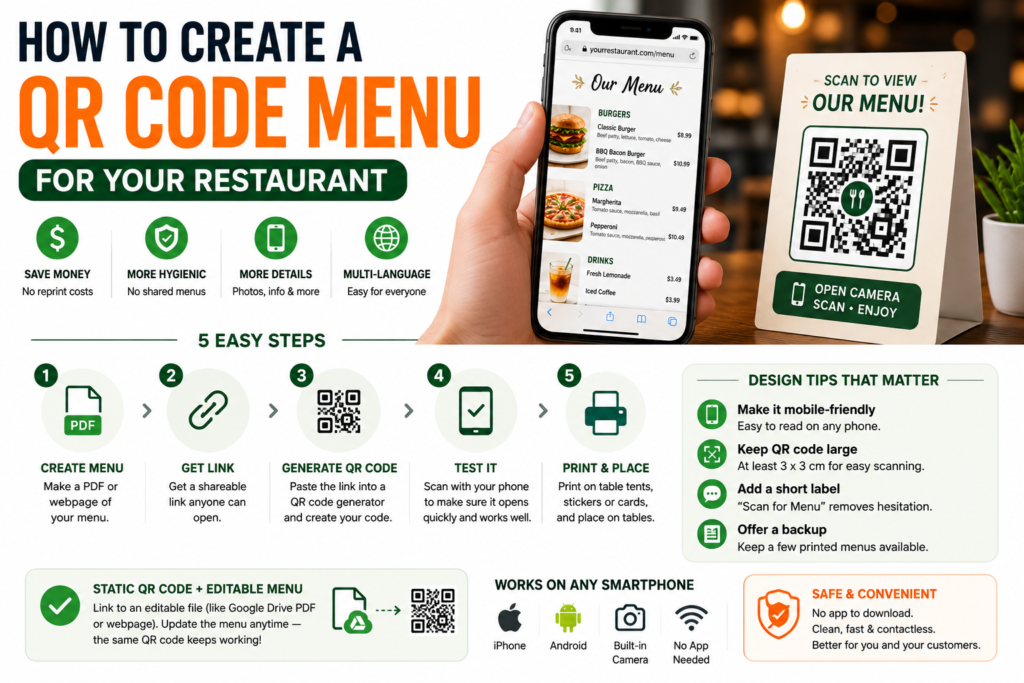
- Restaurant menus – customers scan and see the full menu on their phone
- Business cards – share your contact details in one scan
- WiFi sharing – let guests connect without typing a password
- Payments – many payment apps use QR codes for quick transactions
- Marketing campaigns – put a QR code on a poster or flyer that links straight to your website or offer
- Event tickets – store ticket details that can be scanned at entry
Basically, if you need to pack in more information or want people to scan it with just their phone (no special scanner needed), a QR code is the way to go.
Can You Use Both Together?
Yes, and a lot of businesses actually do. For example, a retail store might use a barcode on the product packaging for inventory purposes, but also put a QR code on the box or receipt that links to a warranty page, product manual, or customer support chat. They’re not really competing with each other — they just serve different purposes.
Also check > WiFi QR Codes: The Easiest Way to Share Your Network Password
Which One Should You Choose?
Here’s a quick way to decide:
| If you need to… | Use this |
|---|---|
| Track inventory in a store | Barcode |
| Share your WiFi password | QR Code |
| Link to your website or menu | QR Code |
| Scan products at checkout | Barcode |
| Share contact info instantly | QR Code |
| Work with existing POS systems | Barcode |
Final Thoughts
Barcodes and QR codes both do the same basic job — storing information so it can be scanned instead of typed — but they’re built for different situations. Barcodes are great for simple product tracking in retail, while QR codes are much more flexible and work well for anything from menus to payments to sharing contact details.
If you want to try either one out, you can create a barcode using the free barcode generator or make a QR code using the free QR code generator — both take just a couple of minutes and don’t require any signup.
Frequently Asked Questions
1. Can a QR code replace a barcode completely?
Not really. For large-scale retail inventory systems, barcodes are still faster and cheaper to scan with dedicated scanners. QR codes are better suited for sharing information rather than replacing entire inventory systems.
2. Which one is cheaper to print?
Both are equally cheap to print since they’re just black and white patterns. The cost difference usually comes from the scanning equipment, not the codes themselves.
3. Do I need special software to scan a QR code?
No. Most smartphones can scan QR codes directly using the built-in camera app, without needing any extra software.
4. Can a barcode store a website link like a QR code?
Not typically. Barcodes are designed to store simple numeric or alphanumeric codes, usually linked to a database. QR codes are better suited for storing direct links and larger amounts of data.
5. Which is more reliable if the code gets damaged or dirty?
QR codes tend to handle damage better because they include built-in error correction, meaning they can still be scanned even if part of the code is scratched or covered. Barcodes are more likely to fail to scan if the lines are damaged.
- How to Create a QR Code for JazzCash, Easypaisa, or Bank Transfer Payments
- How to Create a WhatsApp QR Code (Click-to-Chat, No Coding Needed)
- How to Create a QR Code Menu for Your Restaurant (Free, Step-by-Step)
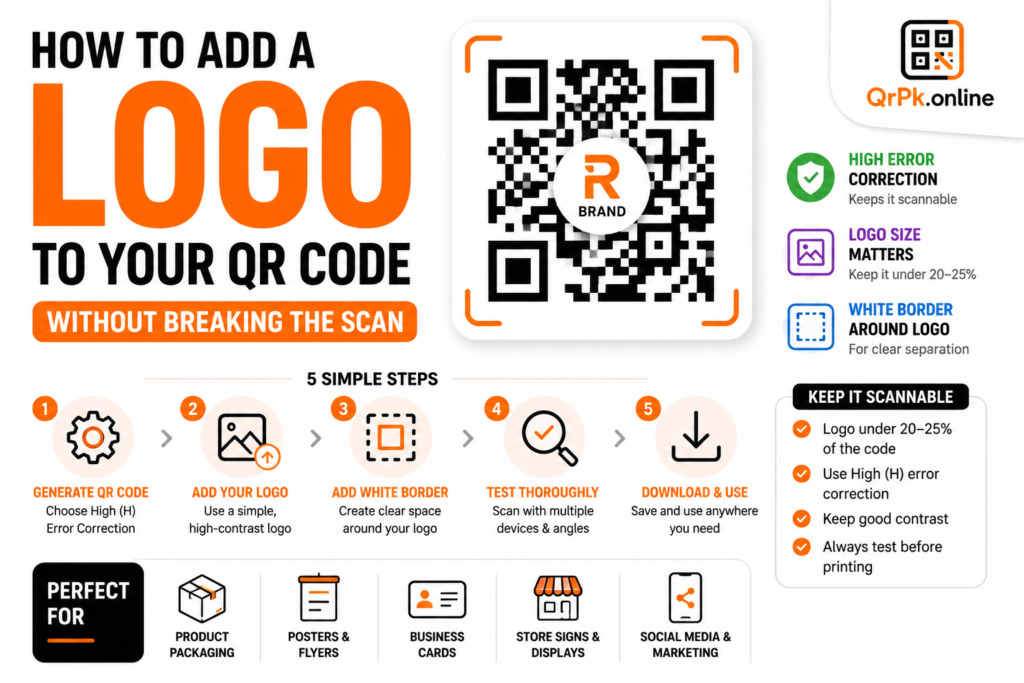
- How to Add a Logo to Your QR Code (Without Breaking the Scan)
- Are QR Codes Safe? How to Spot a Fake or Malicious QR Code