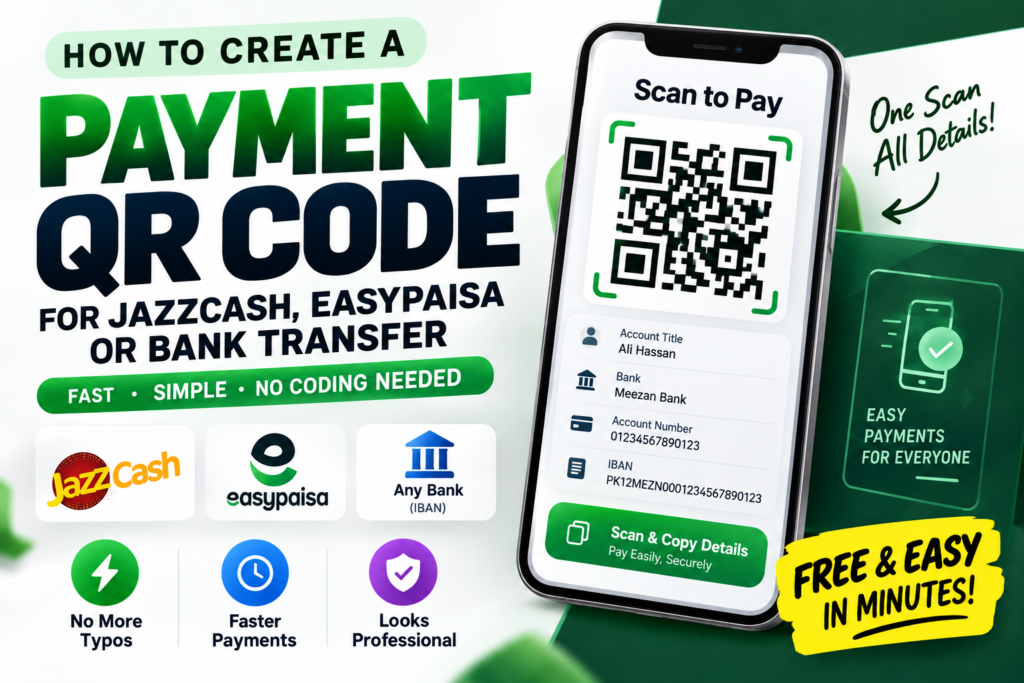
Quick answer: To create a payment QR code for JazzCash, Easypaisa, or a bank account, generate a plain text or “vCard-style” QR code containing your account title, account number, and IBAN (or JazzCash/Easypaisa registered number), then share it with customers to scan and copy the details instantly instead of reading them out loud or texting them manually.
If you run a small business, sell products online, or just frequently receive payments from customers, friends, or clients, you already know the small hassle of repeating your account number over the phone or copy-pasting it into chat every single time. A QR code fixes this cleanly, and it’s genuinely one of the most practical tools a small seller in Pakistan can set up.
Why a Payment QR Code Actually Helps
No more typos in account numbers. Reading out a 16-digit bank account number or IBAN over a phone call is a recipe for mistakes — a single wrong digit can send money to the wrong account entirely. A scanned QR code eliminates manual entry completely.
Faster transactions at busy times. If you’re running a stall, a small shop, or handling multiple orders at once, customers scanning a code and copying your details takes seconds, compared to typing out a message asking for your account info every time.
Looks more professional. A printed QR code with “Scan to Pay” next to your account details looks more trustworthy and organized than sending screenshots or repeating numbers in chat.
Works even without internet on the customer’s end (for account details). Since a payment QR code storing plain account details doesn’t require an active payment gateway or app integration, it works purely by letting the customer copy the information — no special app or live connection required, unlike some dynamic payment systems.
Also Read > How to Create a WhatsApp QR Code (Click-to-Chat, No Coding Needed)
Important Distinction: Information QR Code vs Official Payment Gateway QR Code
It’s worth being clear about what this kind of QR code actually does, since there are two different things people sometimes confuse:
A simple information QR code (what this guide covers) encodes your account title, number, and bank/wallet name as plain text. When scanned, it doesn’t automatically transfer money — it simply displays your details clearly so the customer can copy them into their own banking or wallet app to send the payment themselves. This is easy to set up for free and works for literally any bank, JazzCash, or Easypaisa account.
An official payment gateway QR code (like the ones some banks or JazzCash/Easypaisa merchant accounts provide) can trigger an actual in-app payment flow directly, sometimes with a pre-filled amount. These are typically issued directly by the bank or wallet provider as part of a registered merchant account, not something you generate yourself through a general QR tool.
For most individuals and small sellers, a simple information QR code is more than enough — it saves the manual typing hassle without needing to register as a formal merchant.
Step-by-Step: Creating Your Payment Details QR Code
Step 1: Gather your payment details clearly. Write out exactly what you want customers to see, for example:
Account Title: Ali Hassan
Bank: Meezan Bank
Account Number: 01234567890123
IBAN: PK12MEZN0001234567890123
Or for JazzCash/Easypaisa:
Account Title: Ali Hassan
JazzCash Number: 0300-1234567
Step 2: Paste this text into a free QR code generator. Head to a free QR code generator, choose the plain text option, and paste your formatted payment details.
Step 3: Generate and download the code. The tool will instantly turn your text into a scannable QR code you can download as an image.
Step 4: Test it yourself. Scan it with your own phone to confirm all the details display clearly and correctly — this matters even more with payment information, since a mistake here could cause a customer to send money to the wrong place.
Step 5: Share or print it. Add it to your online store posts, WhatsApp Business catalog, printed receipts, or a small counter sign if you have a physical shop.
Where This Is Especially Useful
Home-based sellers on Instagram or Facebook. Instead of typing out your account number in every single order message, pin your payment QR code to your bio or catalog so customers can grab your details instantly.
Small shops and stalls. A printed “Scan to Pay” sign near your counter speeds up transactions, especially during busy hours.
Freelancers invoicing clients. Attach a payment QR code to invoices so clients can copy your account details without needing to ask you separately.
Splitting bills or receiving money from friends. Even outside business use, a QR code with your JazzCash or Easypaisa number saves the back-and-forth of texting your number every time someone owes you money.
A Note on Safety
Since this type of QR code just displays your account information as text (rather than triggering an automatic transfer), it’s generally very safe to share publicly — you’re not exposing anything more than what you’d normally tell a customer over the phone anyway. That said, avoid including sensitive information you wouldn’t otherwise share publicly, like your CNIC number or online banking password — a payment QR code should only ever contain the account details needed to receive a transfer, nothing more.
Frequently Asked Questions
Does scanning this QR code automatically send money?
No, not for a simple information-based QR code. It only displays your account details clearly so the customer can copy them and complete the transfer manually through their own banking or wallet app.
Can I create a payment QR code for JazzCash and Easypaisa both at once?
Yes — you can include multiple payment methods in the same QR code’s text, listing your bank account, JazzCash number, and Easypaisa number all together if you accept payments through more than one method.
Is it safe to share a QR code with my bank account number publicly?
Generally yes, since an account number alone (without your online banking password or CNIC) isn’t enough for someone to withdraw or steal funds — it’s the same information you’d share to receive any bank transfer.
Can I update the QR code if I switch banks or change my number?
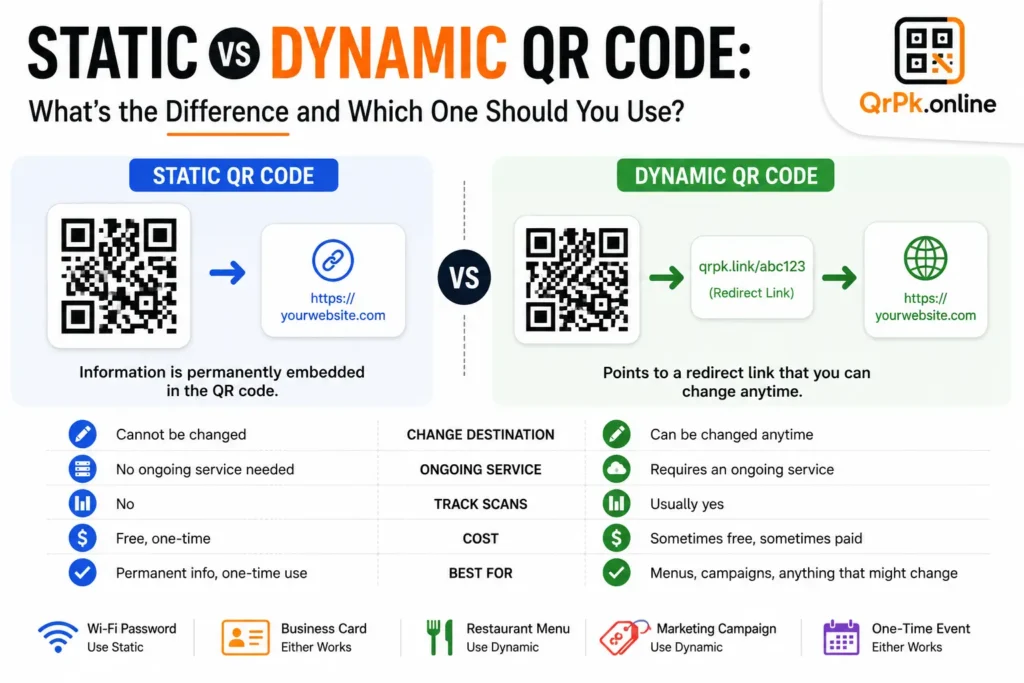
If you’re using a simple text-based static QR code, you’ll need to generate a new one if your details change, since the information is fixed inside the code itself.
Final Thought
A payment QR code is a small setup that removes a surprisingly repetitive hassle — no more typing out account numbers dozens of times a week, and far fewer chances of a costly typo. Whether you’re running a home business, a small shop, or just tired of texting your JazzCash number to friends, it takes a couple of minutes to set up and saves time every single day after that.
Related Blogs
- How to Create a QR Code for JazzCash, Easypaisa, or Bank Transfer Payments
- How to Create a WhatsApp QR Code (Click-to-Chat, No Coding Needed)
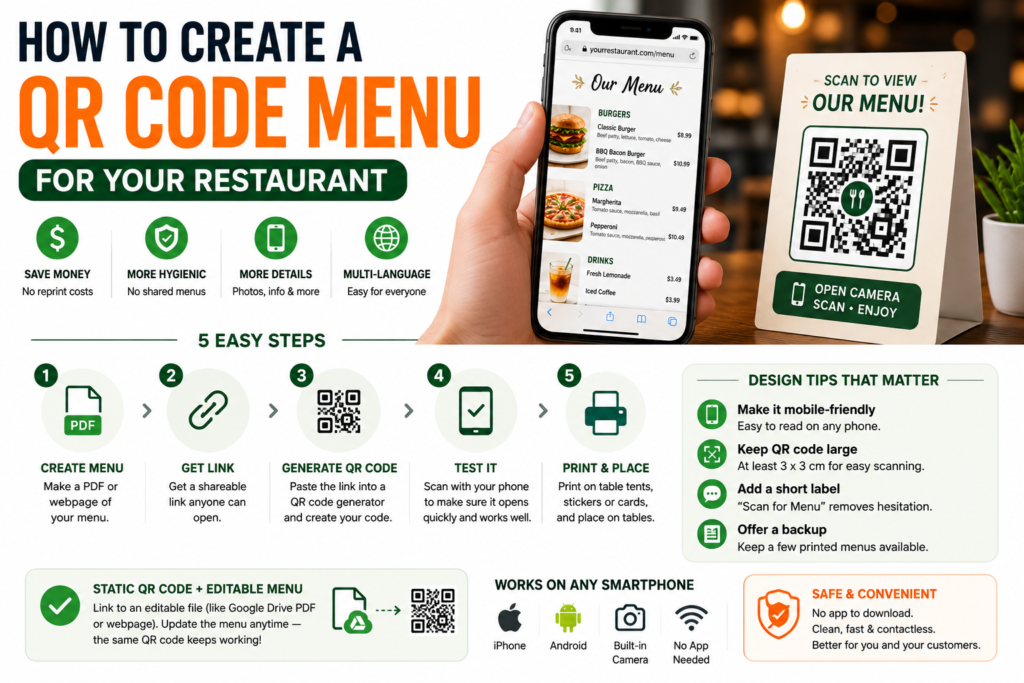
- How to Create a QR Code Menu for Your Restaurant (Free, Step-by-Step)
- How to Add a Logo to Your QR Code (Without Breaking the Scan)
- Are QR Codes Safe? How to Spot a Fake or Malicious QR Code
- How to Reduce Image Size for Email, WhatsApp, or Website Uploads (Without Ruining Quality)
- How to Make a QR Code for Your Instagram Profile (Free, in Under a Minute)
- Static vs Dynamic QR Code: What’s the Difference and Which One Should You Use?